
TikTok Ads macros look simple until AID, CID and Smart+ ad IDs end up in the wrong tracker columns. The reliable setup is to map the stable hierarchy first, keep placement in a sub ID, and prove the expansion on a delivered click.
For a standard TikTok campaign, use this DarkCore parameter string:
campaign_id=__CAMPAIGN_ID__&adset_id=__AID__&ad_id=__CID__&sub1=__PLACEMENT__&sub2=__CAMPAIGN_NAME__&sub3=__AID_NAME__&sub4=__CID_NAME__In a complete URL:
https://go.example.com/?campaign_id=__CAMPAIGN_ID__&adset_id=__AID__&ad_id=__CID__&sub1=__PLACEMENT__&sub2=__CAMPAIGN_NAME__&sub3=__AID_NAME__&sub4=__CID_NAME__TikTok macros use two underscores before and after the token. They are case-sensitive. Meta-style {{campaign.id}} syntax does not work here.
Recommended TikTok-to-DarkCore mapping
TikTok’s official UTM and macro reference currently lists campaign, ad-group, creative, placement and upgraded Smart+ ad macros.
| Incoming parameter | TikTok macro | Actual level | DarkCore use |
|---|---|---|---|
campaign_id | __CAMPAIGN_ID__ | Campaign | Stable campaign key |
adset_id | __AID__ | Ad group | Stable group/audience key |
ad_id | __CID__ | Creative in a standard structure | Granular creative key |
sub1 | __PLACEMENT__ | TikTok or Pangle placement | Placement reporting and routing |
sub2 | __CAMPAIGN_NAME__ | Campaign label | Human-readable context |
sub3 | __AID_NAME__ | Ad-group label | Human-readable context |
sub4 | __CID_NAME__ | Creative label | Human-readable context |
The naming trap is AID: it means ad group ID, not ad ID. CID is the creative ID, not campaign ID. Copying the letters into similarly named columns without checking their definitions silently corrupts reporting.
Smart+ adds a separate ad level
Upgraded Smart+ has four reportable levels: campaign, ad group, ad and creative. TikTok documents __ADID_V2__ and __ADID_V2_NAME__ for the Smart+ ad bundle, while __CID__ and __CID_NAME__ identify the individual creative.
Use this Smart+ mapping:
campaign_id=__CAMPAIGN_ID__&adset_id=__AID__&ad_id=__ADID_V2__&sub1=__PLACEMENT__&sub2=__CAMPAIGN_NAME__&sub3=__AID_NAME__&sub4=__ADID_V2_NAME__&sub5=__CID__&sub6=__CID_NAME__This keeps the Smart+ ad ID in DarkCore’s ad_id field and preserves the underlying creative ID in sub5. TikTok’s Smart+ reporting guide is the source of truth when the account UI and an older template disagree.
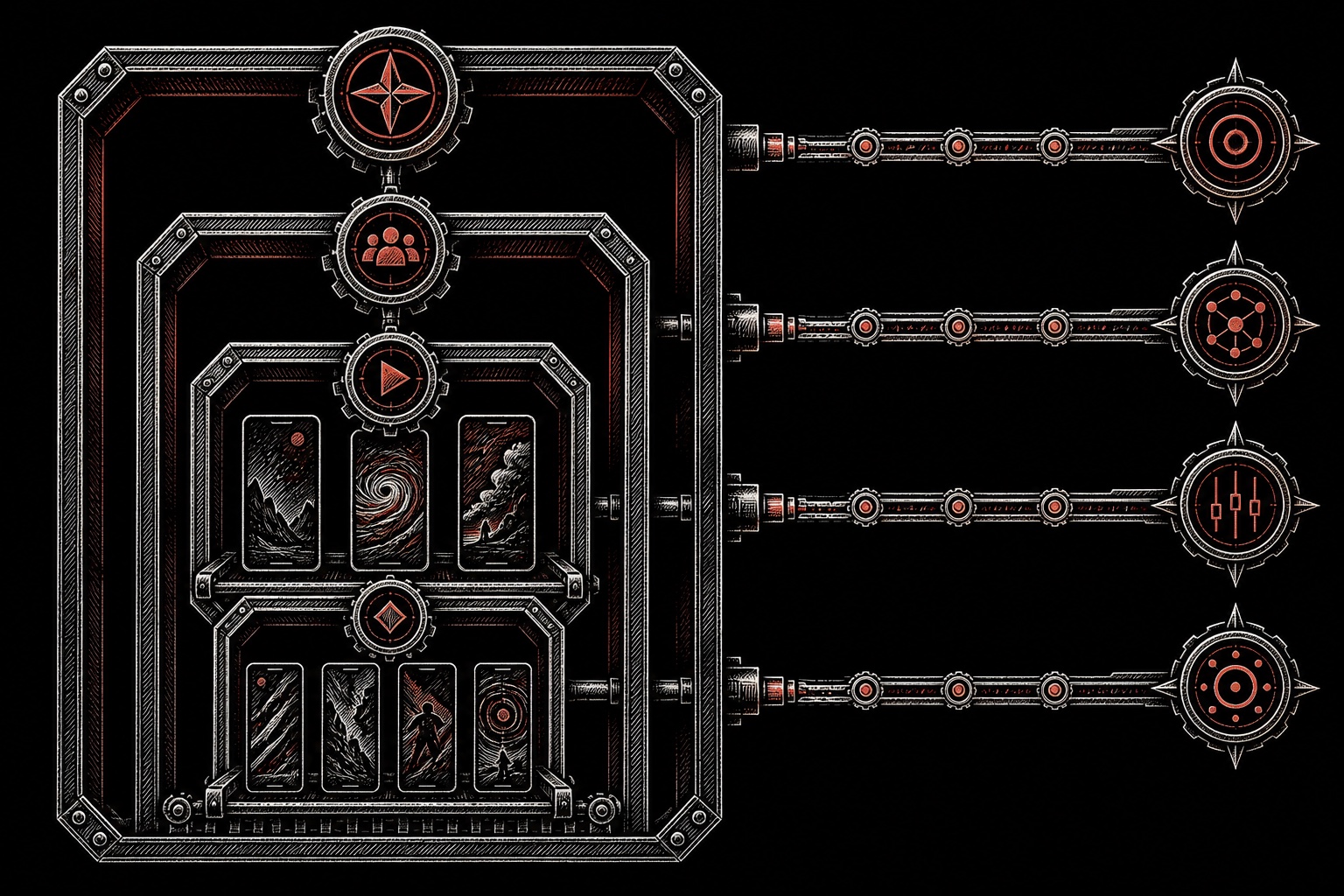
Do not force standard and Smart+ campaigns into one ambiguous ad_id definition. Record which template the campaign uses and keep the mapping stable inside that campaign family. The URL parameters builder produces both templates and shows which field each macro lands in, so you can check __AID__, __CID__ and __ADID_V2__ before launch.
TTCLID is not a replacement for the hierarchy
When a TikTok click reaches the destination with ttclid, DarkCore captures that click identifier. It helps preserve click continuity and attribution, but it does not tell an operator which campaign, ad group, placement or creative to optimize.
Think of the fields as two layers:
ttclididentifies the individual TikTok click when present.campaign_id,adset_id,ad_idand the sub fields describe the advertising context around that click.
Do not hard-code a fake ttclid and do not put a campaign ID into a ttclid field. Let the platform supply the click identifier; use macros for the hierarchy.
Auto-attach versus a deliberate tracker template
TikTok’s URL parameter setup guide supports automatic UTM attachment and manual custom parameters.
Auto-attach is useful for GA-style acquisition reporting. It is not automatically a complete tracker mapping. If DarkCore needs campaign_id, adset_id, ad_id and sub1, add those custom keys deliberately and inspect the combined preview for duplicates.
A practical rule:
- Keep auto-attached UTMs if another analytics system consumes them.
- Keep tracker identity in dedicated DarkCore fields.
- Do not define the same key twice with different values.
- Use IDs as keys and names only as labels.
Passing the captured values to an offer
Once the click reaches DarkCore, an outbound Track Link can reuse the captured context:
https://affiliate.example/click?cid={click_id}&campaign={campaign_id}&adgroup={adset_id}&ad={ad_id}&placement={sub1}&creative={sub5}&ttclid={ttclid}For a standard campaign, use the sub slot that actually contains the creative value; for Smart+, the example above reserves sub5 for __CID__.
TikTok expands __CAMPAIGN_ID__ before the landing request. DarkCore expands {campaign_id} and {click_id} only when constructing the outbound URL. If those two syntaxes are mixed, literal macros leak through the funnel.
The pass/fail launch test
Use a delivered or platform-generated test click, then verify facts rather than the appearance of the template.
| Test | Expected fact | Pass? |
|---|---|---|
| Query string | One ?, valid key=value pairs, later keys separated by & | ☐ |
| TikTok expansion | No literal __CAMPAIGN_ID__, __AID__ or __CID__ remains | ☐ |
| Campaign hierarchy | Campaign and ad-group IDs land in the correct fields | ☐ |
| Ad definition | Standard uses the documented creative mapping; Smart+ preserves ad and creative separately | ☐ |
| Placement | sub1 contains the delivered placement | ☐ |
| Click identifier | ttclid is captured when TikTok supplies it | ☐ |
| Outbound URL | Every required DarkCore macro expands once | ☐ |
| Conversion | One test postback attaches to the same click without duplicate revenue | ☐ |
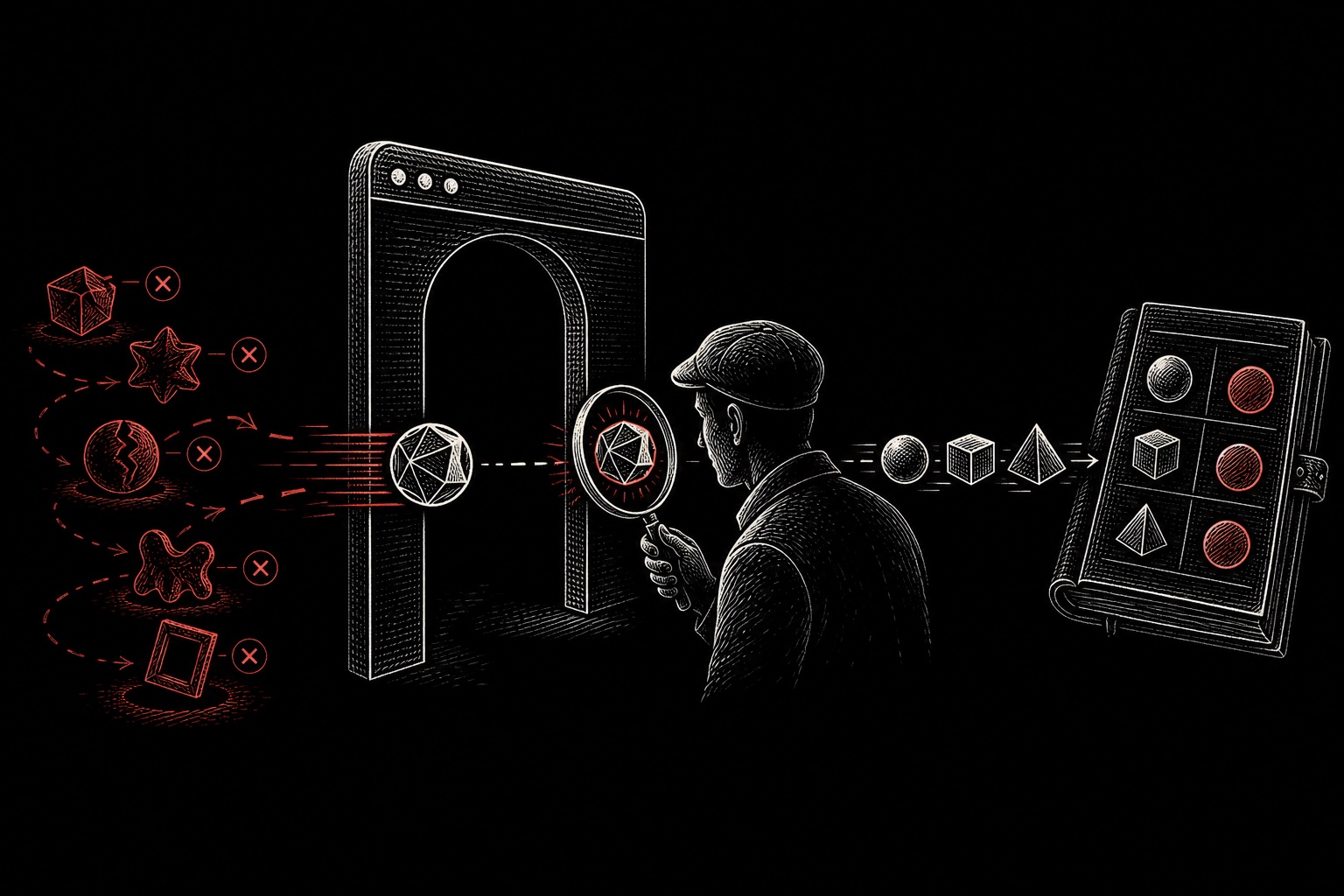
The final URL matters more than a clean-looking Ads Manager form. A literal macro in the click record means the platform did not expand it; an empty field means the key was omitted, renamed or lost on a redirect.
Common failures
AID is mapped as the ad ID
__AID__ is the ad-group ID. Putting it in ad_id makes every creative inside the group look identical in tracker reporting.
CID is treated as campaign ID
__CID__ is the creative ID. Campaign ID is explicitly __CAMPAIGN_ID__.
Smart+ ad and creative are collapsed
In upgraded Smart+, __ADID_V2__ and __CID__ describe different levels. Preserve both if you need to reconcile tracker and platform reporting.
Meta syntax is copied into TikTok
TikTok expects __CAMPAIGN_ID__, not {{campaign.id}}. If the wrong syntax survives as literal text, every click can be grouped under one useless placeholder value.
Only the page load is tested
A loaded landing page does not prove that the IDs were stored or that a postback can return to the original click. Test the full route. The S2S postback guide explains the conversion concept, the postback macro mapping guide covers click_id={subid}-style syntax, and DarkCore Streams covers routing and Track Links.
FAQ
Which TikTok macro should go into sub1?
Use sub1=__PLACEMENT__ in the recommended mapping. Campaign, ad-group and ad IDs have dedicated DarkCore fields.
What is the TikTok ad-group macro?
__AID__ is the ad-group ID and __AID_NAME__ is the ad-group name.
What is the difference between CID and ADID_V2?
__CID__ identifies a creative. In upgraded Smart+, __ADID_V2__ identifies the ad bundle above that creative level.
How many custom sub IDs can DarkCore capture?
DarkCore captures sub1 through sub10 and can reuse them as {sub1} through {sub10} in outbound Track Links.